Product Updates

Changelog

New features, improvements, and fixes — shipped.

v1.1.6Improved

Improved Caption Timestamps and Microphone Input Selection

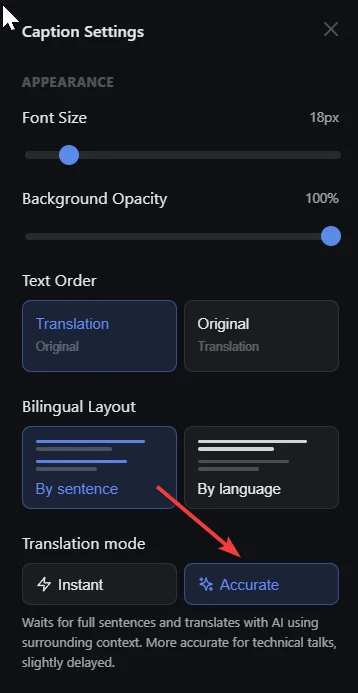
Caption timestamps are clearer, caption display has been refined, and you can now choose a microphone input source from caption settings.

captions timestamps microphone settings

This update polishes the caption reading experience and gives you direct control over which microphone SonicMeet listens to.

Improved

  • Clearer caption timestamps. Caption timestamps have been refined so timing information is easier to read while following a live meeting.
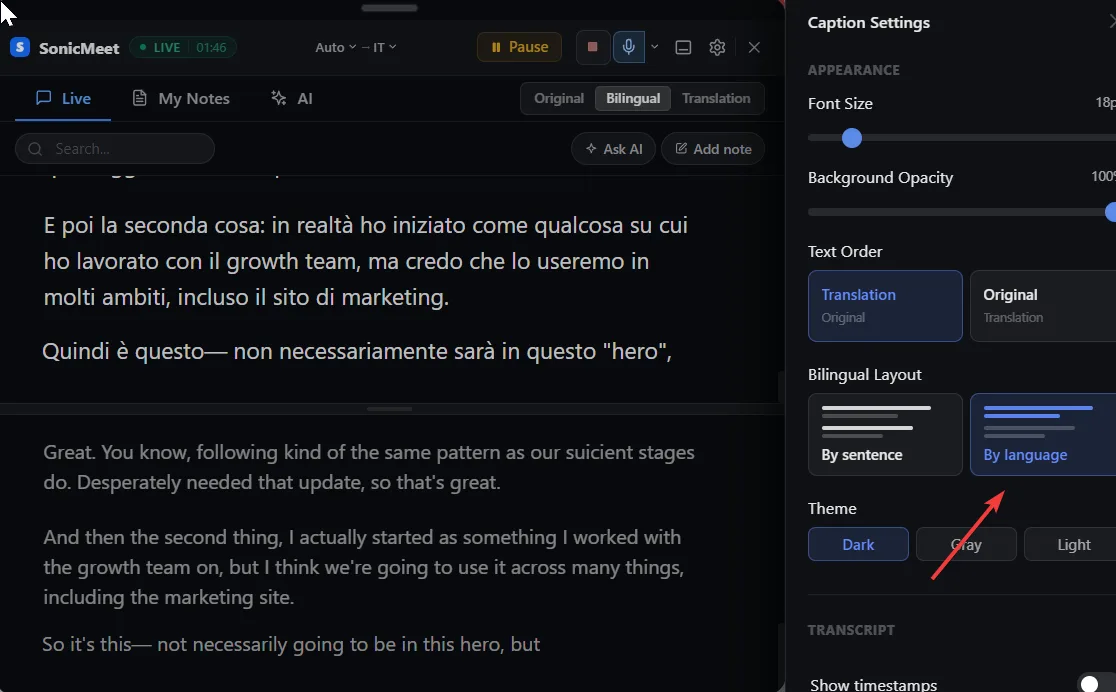
  • Better caption display. Caption rendering has been optimized for a cleaner, more comfortable viewing experience.

Added

  • Microphone input selection. You can now choose the microphone input source in caption settings. SonicMeet still uses the system default microphone by default, but you can manually switch to another input at any time.
v1.1.5Feature

Multilingual Profanity Filter and Custom Vocabulary

Mask profanity in captions across languages, and improve recognition accuracy with your own custom vocabulary.

profanity-filter custom-vocabulary captions accuracy team

This update adds two new ways to control what your captions show and how accurately they capture the words that matter to you.

Added

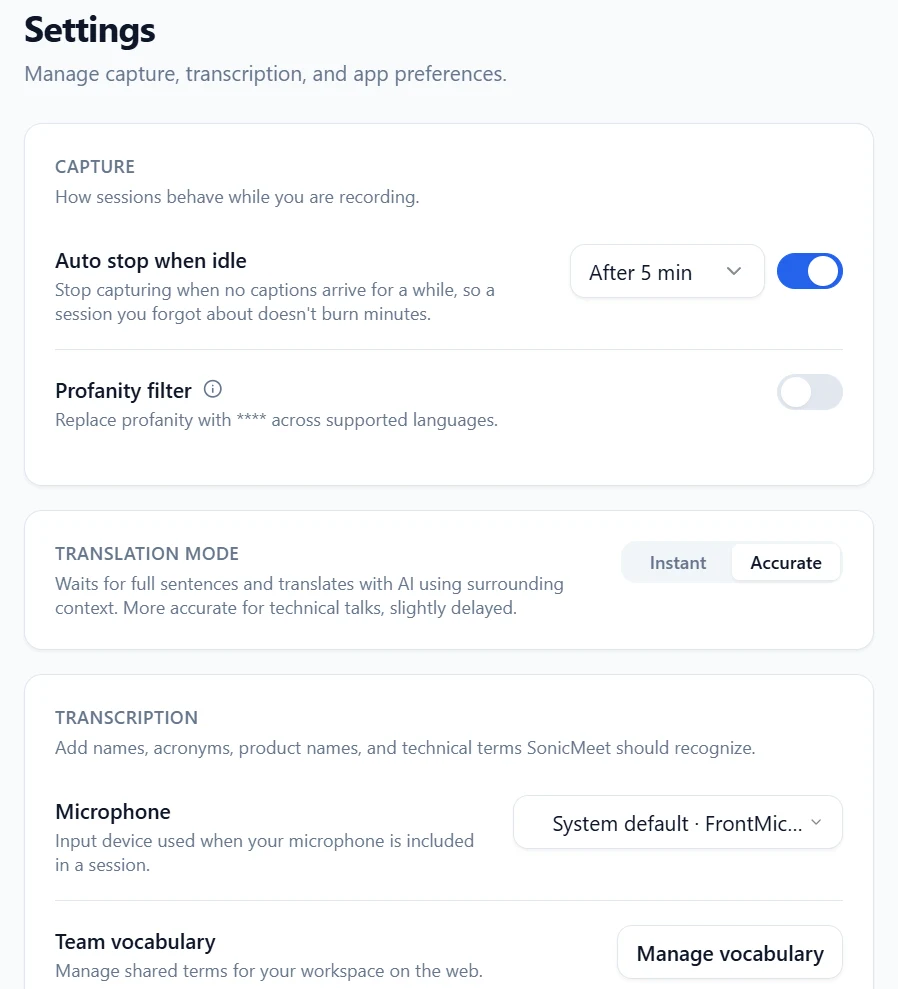
  • Multilingual profanity filter. Mask profane words in captions across multiple languages. When the filter is on, choose between two modes: filter live captions only, or filter both live captions and saved transcripts.
  • Custom vocabulary. Add your own words — product names, people, brand names, company names, or domain-specific terms — so SonicMeet recognizes them more accurately. On Team and Enterprise plans, admins and owners can manage a shared vocabulary list at the organization level, which automatically applies to every member.

Notes

  • The profanity filter is off by default.
v1.1.4Improved

Improved RTL Display and Ultra-Compact Captions

RTL display has been improved, and the caption area now enters an ultra-compact mode at its smallest size.

rtl captions overlay compact

This update improves the caption experience in tighter layouts, especially for RTL languages.

Improved

  • RTL display has been refined for a better reading experience.
  • The caption area now enters an ultra-compact mode when resized to its smallest size.
  • Captions can occupy less screen width while staying comfortable to read.
v1.1.3Improved

Improved Team Management for Team and Enterprise

Team and Enterprise workspaces now have a smoother, clearer team management experience.

team enterprise management

Improved team management for Team and Enterprise workspaces.

v1.1.2Improved

Improved Overlay Drag and Resize Interactions

Overlay drag and resize interactions are now smoother. Compact overlay behavior and responsiveness have been refined.

overlay drag resize compact

Overlay interactions have been improved for a smoother experience when dragging and resizing.

Improved

  • Drag and resize interactions on the overlay are now more responsive and reliable.
  • Compact overlay behavior has been refined for better usability.
  • Overall overlay responsiveness has been improved across different screen sizes.
v1.1.1Feature

Captions Now Include Your Microphone

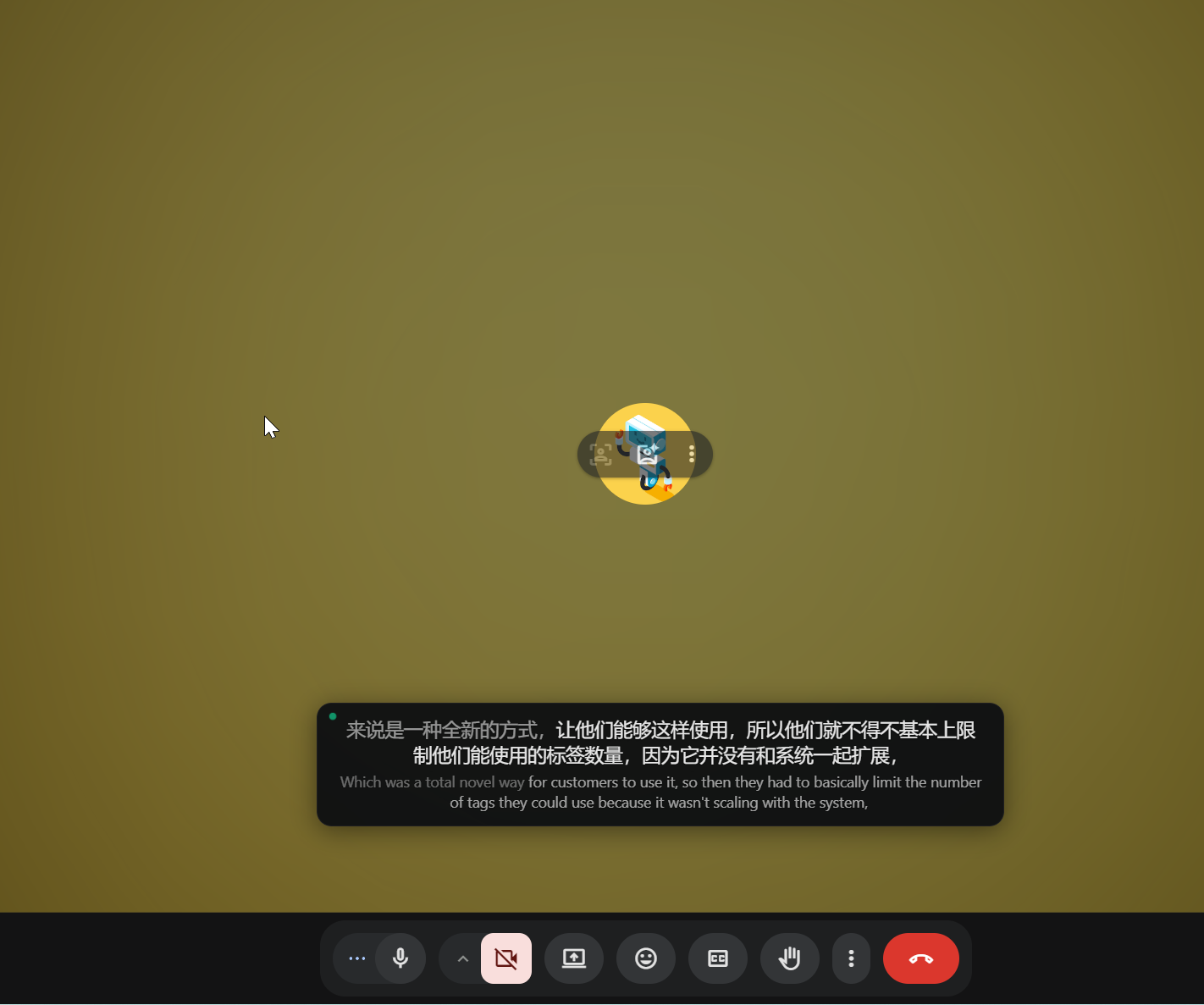
Live captions can now include audio from your own microphone, not just the active tab.

captions microphone

Live captions can now include your own microphone input. Before this update, SonicMeet only captioned audio from the active tab.

Added

  • Your voice can now appear in live captions.
  • SonicMeet can capture both tab audio and microphone audio in the same session.

Notes

  • Tab audio captioning works as before.
  • Microphone permission is required.